Blackmagic Design - DaVinci Resolve Studio v21.1.0.14 for Windows


Blackmagic Design - DaVinci Resolve Studio v21.1.0.14 for Windows

Year/Date of Issue: 09/2026
Version: 21.1.0.14
Developer: Blackmagic Design
Developer's website: Blackmagic Design
Author of Build: R2R Emulator
Platform / Discharge: Windows (x64)
Format: Standalone Video Editor / NLE / Color Grading / VFX / Audio Post
Interface Language: English, Russian, Multilingual
Tablet: Present
System requirements:
- OS: Windows 10 (Creators Update) / Windows 11
- CPU: Intel Core i5 / AMD Ryzen 5 minimum (Intel Core i7/i9 or AMD Ryzen 7/9 recommended)
- RAM: 16 GB minimum (32 GB recommended for Fusion, advanced background rendering, or 4K+ workflows)
- GPU: 4 GB VRAM minimum discrete GPU supporting OpenCL 1.2 or CUDA 12.8. (16 GB VRAM minimum required for advanced Studio AI tools on Windows). NVIDIA Studio driver 581.57 or newer required for NVIDIA setups.
- Disk Space: Fast Solid State Drive (SSD) highly recommended, ~5 GB free for installation.
- Display: 1920x1080 minimum resolution.
Blackmagic Design DaVinci Resolve Studio 21.1 represents the ultimate all-in-one post-production powerhouse, combining industry-leading color grading, non-linear video editing, cinematic visual effects (Fusion), and professional audio mixing (Fairlight) into a single optimized interface. Designed for elite Hollywood colorists and modern content creators alike, this Studio edition unlocks AI-driven Neural Engine capabilities, advanced spatial/temporal noise reduction, hardware-accelerated multi-GPU rendering, and resolutions up to a staggering 32K.
- All-In-One Workflow: Seamlessly switch between editing, color grading, VFX, and audio post-production without exporting or translating files across different software.
- DaVinci Neural Engine AI: Unlocks intelligent, machine-learning-driven features like Magic Mask, Voice Isolation, Super Scale uprezing, and text-based editing to automate tedious tasks.
- Industry-Standard Color Grading: Unrivaled primary and secondary correction tools, the new ColorSlice six-vector grading palette, and advanced HDR10+ / Dolby Vision mastering.
- Ultimate Performance: Leverages multiple GPUs concurrently, hardware-accelerated H.264/H.265 decoding, and multi-core CPU optimizations for real-time high-resolution playback.
- Advanced Noise Reduction: Exceptional spatial and temporal noise reduction cleans up low-light footage without sacrificing fine cinematic detail.
- Professional Audio (Fairlight): Complete DAW integration with immersive 3D audio tools, Dialogue Separator, Music Remixer, and native Dolby Atmos rendering.
DaVinci Resolve Studio has revolutionized the post-production industry by providing an end-to-end workflow environment that scales from independent YouTube creators to massive Hollywood feature films. Version 21.1 refines this ecosystem further, emphasizing AI-assisted operations that drastically reduce manual labor. By integrating the Cut, Edit, Color, Fusion, and Fairlight pages into one cohesive application, collaborative teams can work simultaneously on the same timeline, completely eliminating the time-consuming, error-prone process of conforming edits across different platforms.
Unlike the free tier, the Studio release eliminates all creative boundaries. It grants editors the ability to work in ultra-high resolutions up to 32K at 120 frames per second, taps into the full computing potential of multi-GPU setups, and unlocks the DaVinci Neural Engine. This AI backend powers highly sought-after tools such as IntelliTrack AI, Ultra NR (noise reduction), and the Film Look Creator FX, giving professionals the precise instruments needed to elevate their media to true cinematic standards.
- DaVinci Neural Engine AI: Powered by deep machine learning to offer Speed Warp retiming, Object Isolation, Smart Reframe, and automatic facial recognition for intelligent bin sorting.
- ColorSlice & Film Look Creator: Brand new six-vector grading panel alongside dedicated FX for authentic film halation, gate weave, split toning, and film stock grain simulation.
- Advanced Audio Processing: AI-driven Dialogue Separator and Music Remixer allow complete control over pre-mixed audio stems, alongside robust 9.1.6 Dolby Atmos and IMF audio mastering within Fairlight.
- IntelliTrack AI & Ultra NR: Revolutionary tracking algorithms for flawless motion tracking and enhanced spatial/temporal noise reduction that preserves extreme textural detail.
- Multi-Source Editing: Drastically speeds up multicam workflows by presenting synchronized media dynamically, making live-event and documentary cutting a breeze.
- Format & Resolution Supremacy: Unlocks 10-bit video processing up to 120 fps, specialized raw camera codecs, and massive timelines topping out at 32K resolution.
- Release Type: Pre-activated Repack / Team V.R build tailored for Windows x64.
- Activation: The software comes pre-patched (cured). No serial keys, online activations, or hardware dongles are required to utilize all premium Studio features.
- Modifications: Removed background telemetry, automatic update checkers, and forced analytics protocols.
- Languages: Includes Russian localization fully integrated alongside the official English interface and standard multilingual options.
- Dependencies: Installs required Blackmagic RAW players and Fairlight drivers seamlessly if selected during setup.
- Format/Type: Standalone Video Editor, Color Grader, and Audio Post-Production Suite.
- Supported OS: Windows 10 (Creators Update) and Windows 11 (64-bit architectures only).
- Hardware APIs Supported: CUDA 12.8+, OpenCL 1.2, and Intel Quick Sync Video.
- Plugin Support: Fully supports third-party OpenFX (OFX) visual plugins and standard VST audio plugins within the Fairlight page.
- Media Compatibility: Comprehensive hardware-accelerated support for H.264, H.265 (HEVC), ProRes, DNxHR, BRAW, R3D, EXR, AV1, and DPX sequences.
Option 1 - R2R Emulator Setup Guide
-
Step 1: Install DaVinci Resolve Studio.
-
Step 2: Install DVREMU2 Manager v1.0.1.
-
Step 3: Launch DVREMU2 Manager (a folder will automatically open).
-
Step 4: Run the following batch scripts from that folder:
DVREMU2 - Install Emulator.cmdDVREMU2 - Renew Emulator License.cmd
Note: When updating DaVinci Resolve in the future, you may need to re-run
DVREMU2 - Install Emulator.cmd.
"We revised the emulator. Now, here is DVREMU2 with its new Manager!" — A witch
Key Improvements & Features
- No File Modifications: Clean implementation that avoids altering original binaries.
- License Generation: Built-in license generation to resist serial number blacklisting.
- Advanced Technology: Utilizes the same robust Win32API level emulation technology as previous versions of DVREMU.
- Future-Proof: Designed to support upcoming software updates seamlessly.
Read the manual carefully to understand how it works. Have fun with expensive kongs while witches are burning other apes in the kitchen. Oh wait, they are already burnt. Our season is coming.
Download Links
| Registered: | Sep 08, 2026 |
| Size: | 9.64 GB |
| Peers: | Seed: 1|Leech: 0 |
| Thanked: |
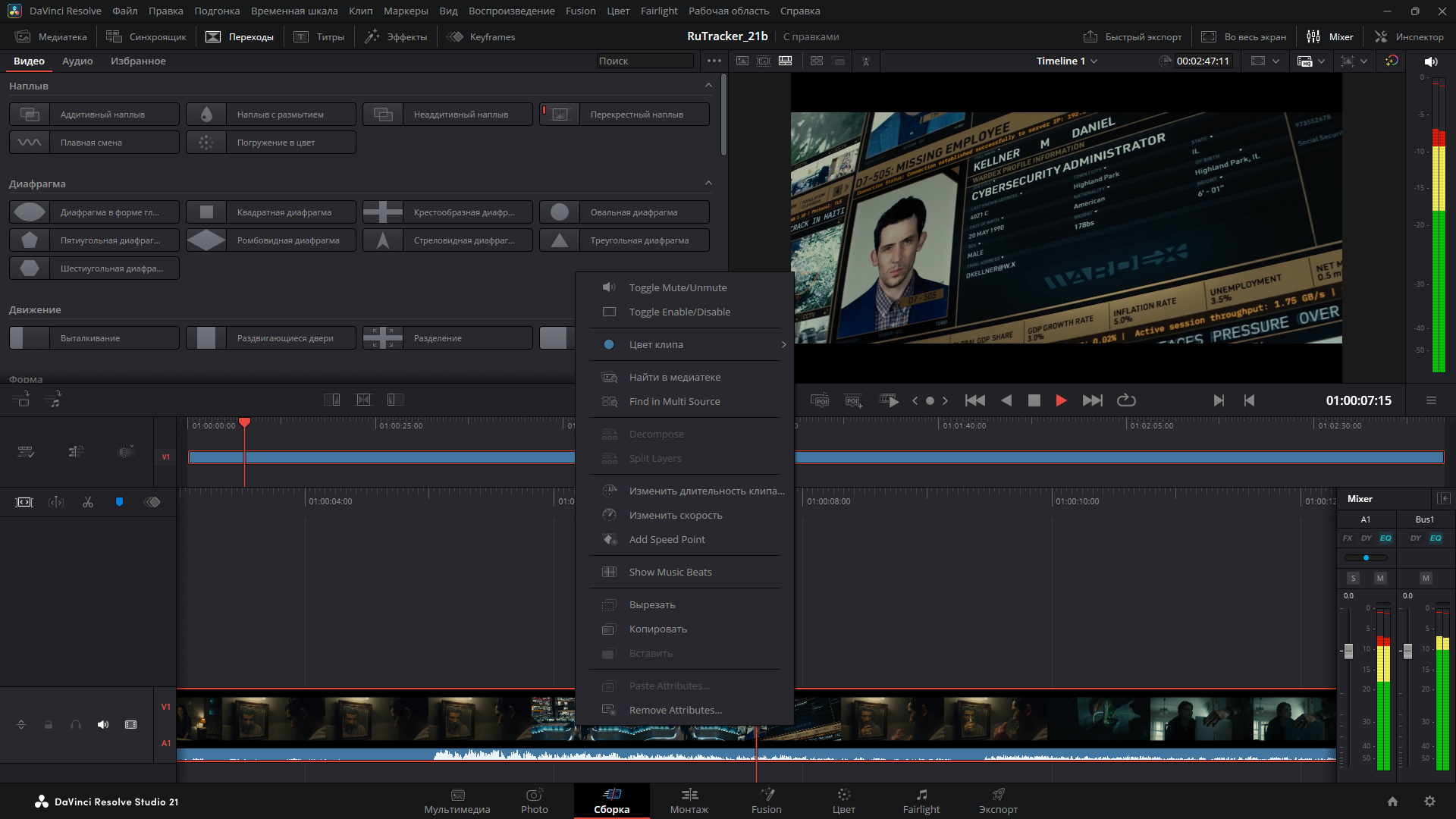
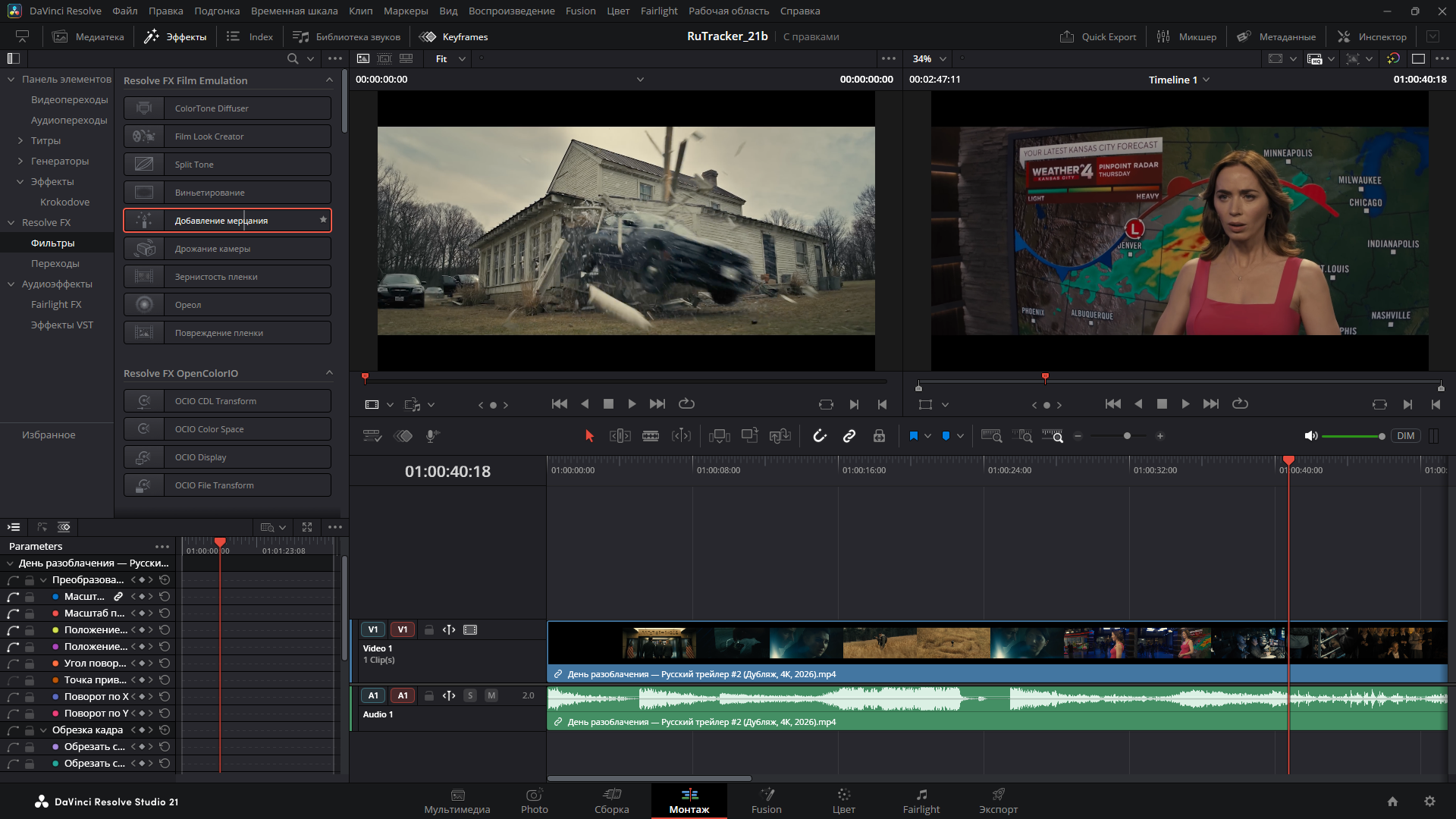
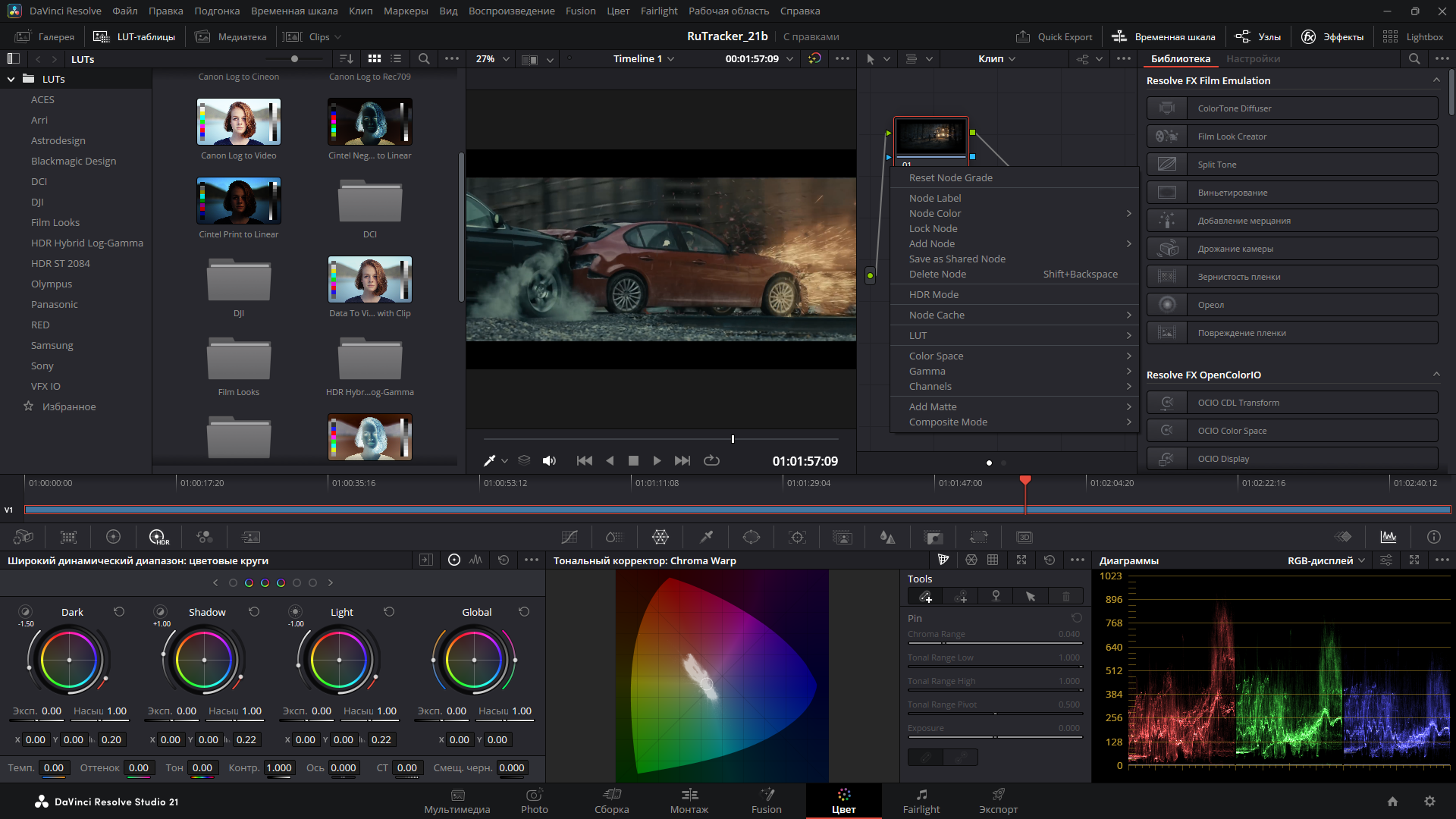
Screenshots Gallery
comments (0)
Sign in to leave a comment
Please sign in to your account to view community comments and share your thoughts.